

Jeopardi (Pixel Edition)
EdTech · Game-Based Test Prep
Turning sixth-grade test prep into family game night
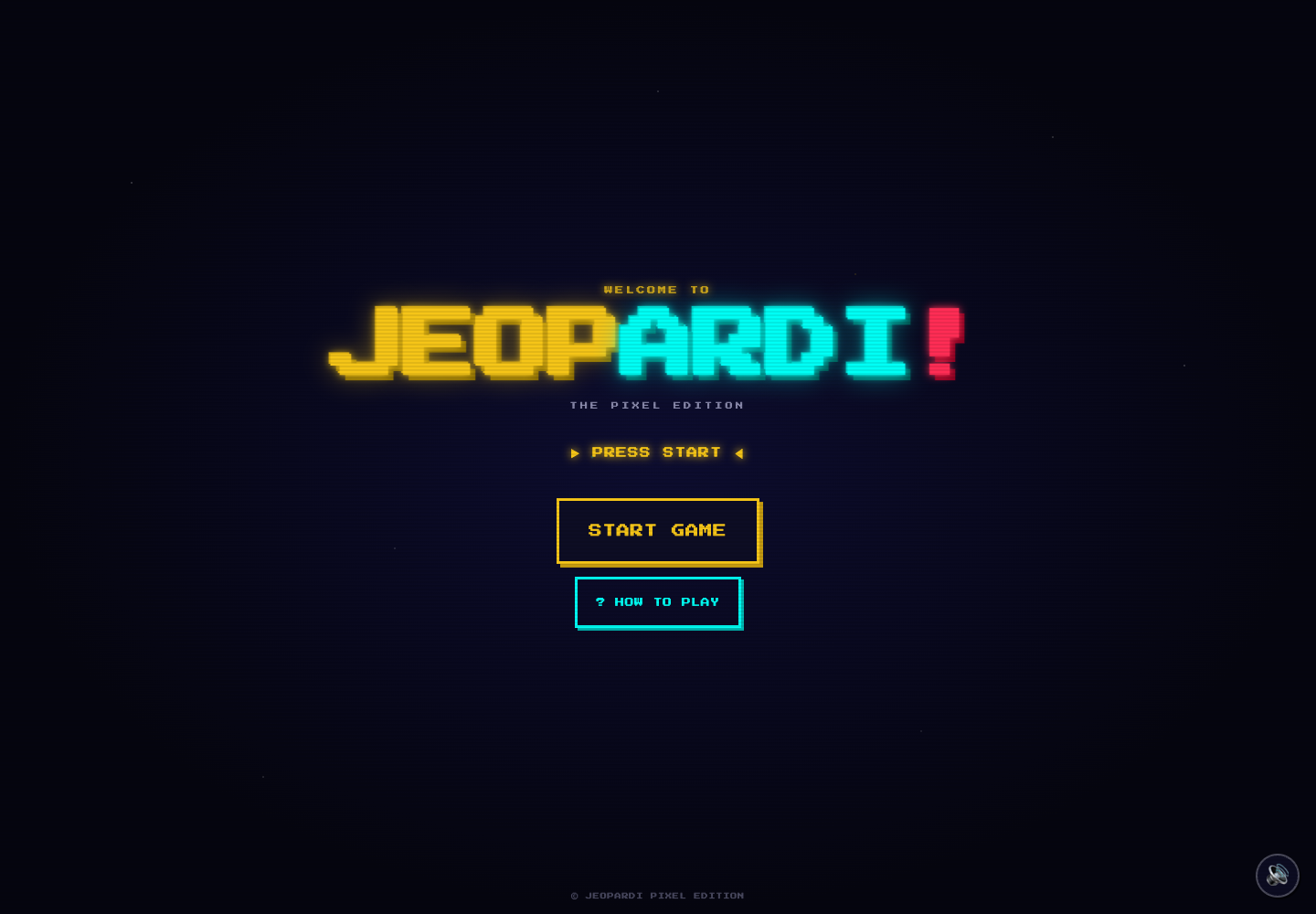
My son had a sixth-grade social studies test coming up. I built Jeopardi to make preparing for it fun and give his mother and me a way to help him study together. His review material became a colorful quiz board, with handwritten names, buzzers and a little friendly competition.
In production
Why turn test prep into a game?

Built for my son
My son had an upcoming social studies test, and I wanted reviewing for it to be something we could enjoy together. Instead of another round of reading flashcards, I turned the material into a game that all three of us could join. The goal was to make practice feel like family time while keeping the questions connected to what he needed to study.
Play JeopardiHow do you make studying a family activity?
Three players, one study session
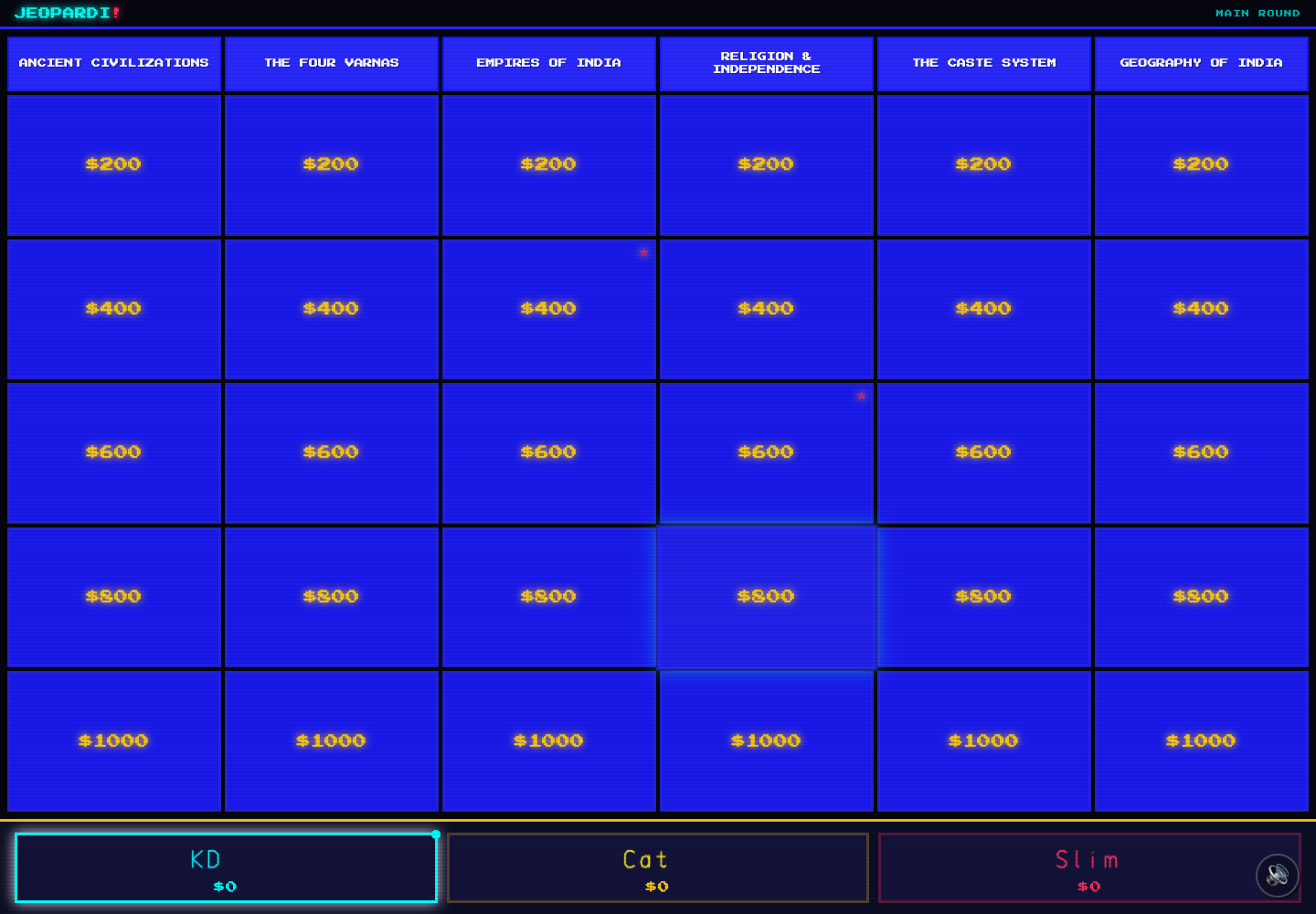
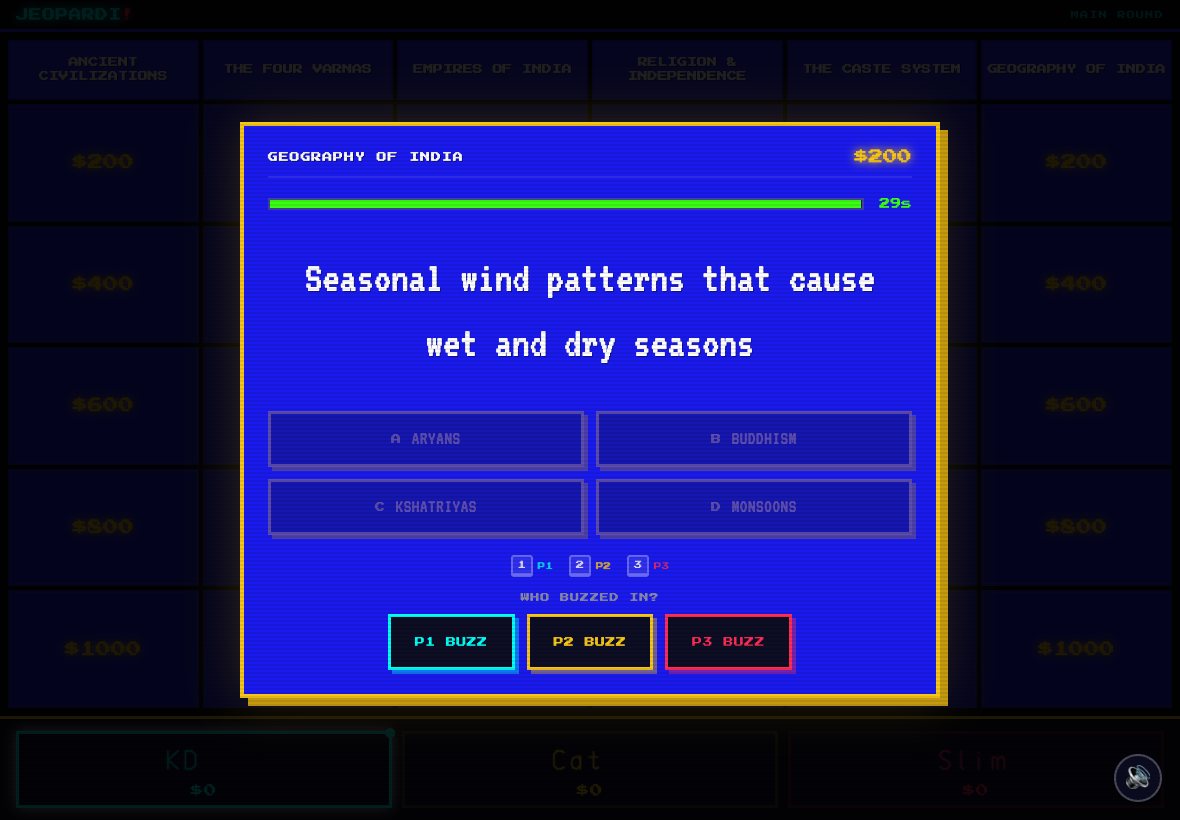
I built a three-player quiz game around the Ancient India and South Asian history review material. Players choose a category and a point value, read the clue and buzz in to answer. Open-answer and multiple-choice modes offer different ways to practice recall and talk through the material together.
The shared-screen experience starts with each player writing their name on a touch-friendly pad. KD, Cat and Slim—the student—appear in this sample game. Large controls, bright player colors and a retro pixel style make it easy to see whose turn it is and keep the experience playful.
Studying together
Three player spots let my son, his mother and me take part in the same game. The shared board gives us a focus for reviewing and talking through the questions.
The test material sets the theme
Categories cover the geography, civilizations and history in the review material. The game gives those questions a playful structure.
A personal start
Drawing a name and getting a player color makes joining the session feel like stepping up to a game-show podium.
Technical details
- React frontend with a Node.js API serving the social studies question bank.
- Six categories and five clue values, with randomized boards, timers, score tracking and Daily Doubles.
- Canvas handwriting for player names, open-answer and multiple-choice modes, and final wagers.
- Installable progressive web app with touch-oriented controls; speech features depend on browser support and the relevant services.
What keeps the review fun?
A reason to try another question
Test review becomes a shared activity: choose a clue, take a guess, check the answer and try another. Scores and buzzers add friendly competition, while the answer reveal gives us a chance to pause and discuss the material. Daily Doubles, final wagers and a winner celebration give the study session the rhythm of a game show.
A little friendly competition
Point values, timed clues and buzzers give everyone a reason to pay attention and take a turn.
Space to learn from an answer
The revealed answer gives us a natural moment to explain, discuss or revisit a term before choosing the next clue.
An ending worth playing toward
Daily Doubles, final wagers and a winner screen carry the game-show feeling through the whole session.
Where does the project stand?
The project today
Live at ferndocker.github.io/jeopardi. Open the game, choose your players and turn a study session into a little friendly competition.
Want to talk about the work?
Connect on LinkedIn